After the first install
Angelia runs and you can sign in to the admin UI. Now wire the first useful flow, step by step, with a real example: when Home Assistant ships a release, start the tests of a custom integration in its GitHub repository. Each step shows the UI, then the same thing as a command or in the watch file, so you can pick either way and switch later.
By the end you will have one watch, one sink, one subscription, and a release on the tape.
Before you start
- An instance running v0.3.0 or later (Install) with the UI on (Set up the admin UI).
- Your account in
ui.accessasadmin(sinks need it; watches and subscriptions neededitor). - A GitHub repository that will receive the release, here
example/ha-integration.
1. Give Angelia two tokens
The flow uses GitHub twice: to read Home Assistant's releases, and to start a workflow in your repository.
- Reading releases.
home-assistant/corehas hundreds of releases; without a token GitHub allows 60 requests an hour and the first scan cannot finish. Any token lifts the limit. - Starting the workflow. A fine-grained personal access token limited to
example/ha-integration, with Contents: Read and write (whatrepository_dispatchneeds).
Both are environment variables of the Angelia process; the instance configuration names them:
sources:
  github-release:
    token_env: GITHUB_TOKEN          # reads public releases without the 60/hour limit
export GITHUB_TOKEN=...              # any GitHub token
export GH_DISPATCH_TOKEN=...         # the fine-grained token for example/ha-integration
Restart Angelia after setting them. Prefer not to keep the dispatch token in the environment? Store it in the
instance, encrypted, from the Secrets page (or angelia secret set gh-dispatch --from-file pat.txt --host
api.github.com) and use token_ref: gh-dispatch in step 3 instead of token_env. Stored secrets need a
secrets key: see Instance configuration.
2. Add the watch
The watch tells Angelia what to look at and how often.
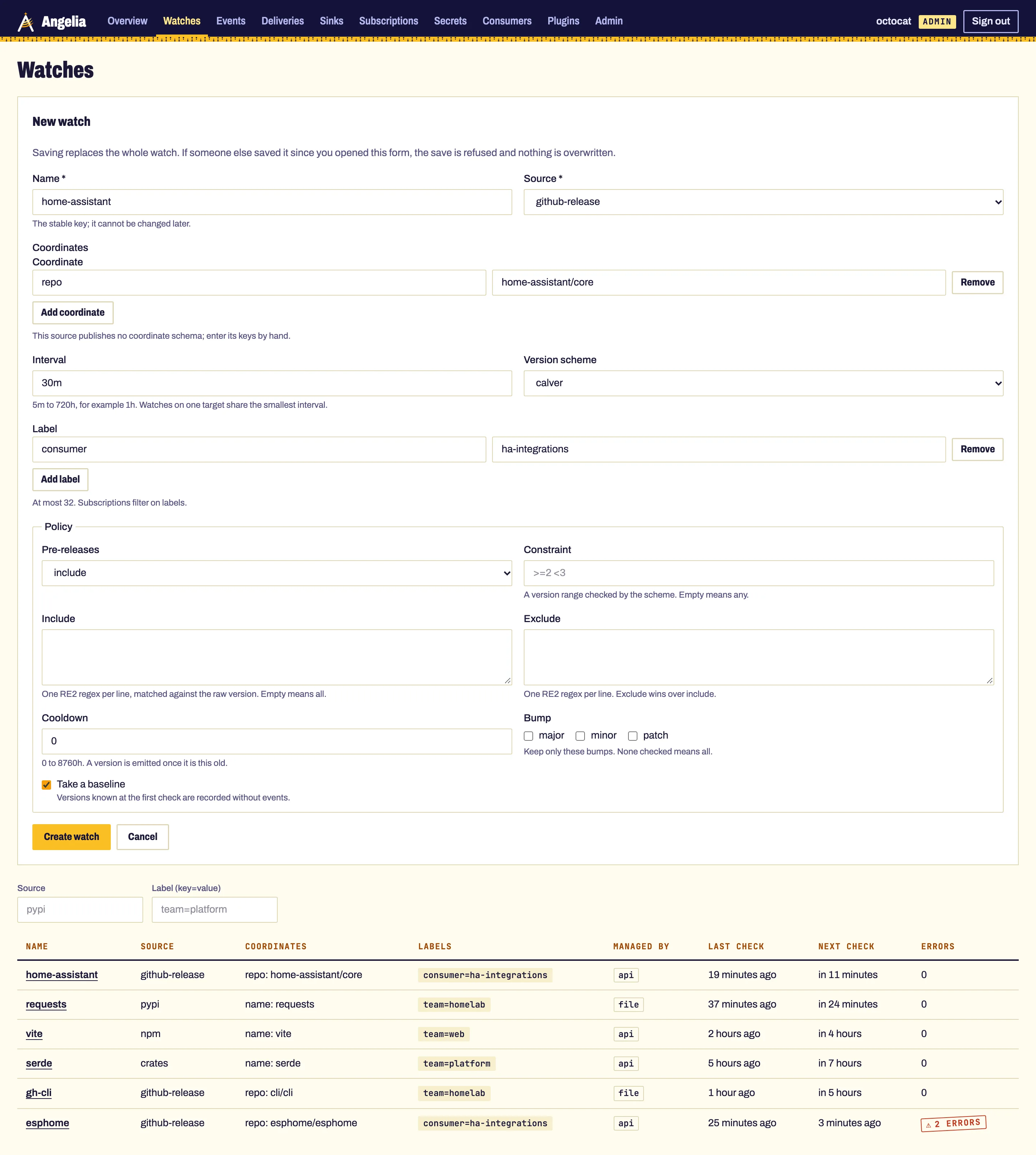
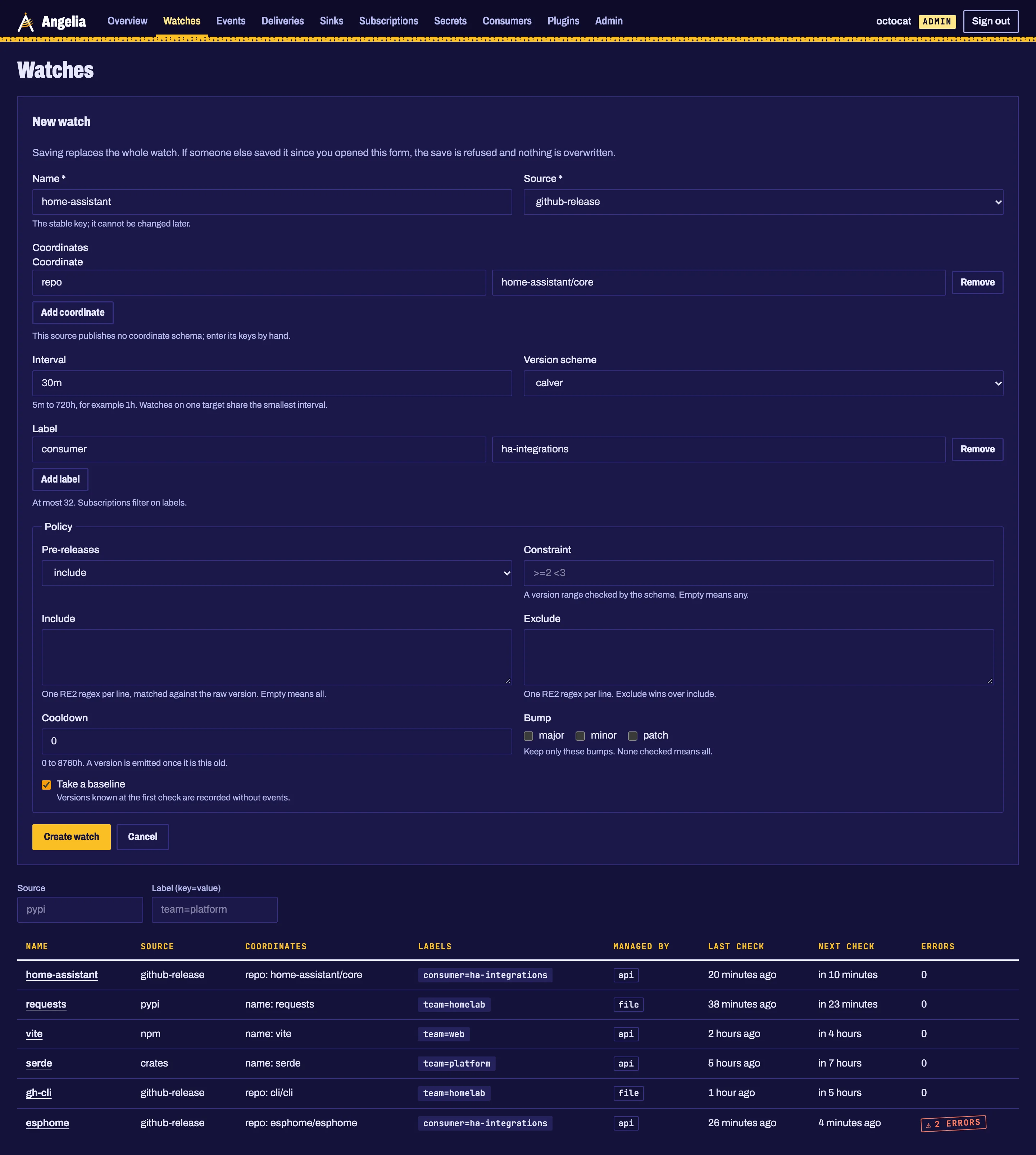
Open Watches, choose New watch and fill in:
| Field | Value | Why |
|---|---|---|
| Name | home-assistant |
the stable key; it cannot be changed later |
| Source | github-release |
Home Assistant publishes GitHub releases |
| Coordinate | repo = home-assistant/core |
Add coordinate, then the key and the value |
| Interval | 30m |
how often to look |
| Version scheme | calver |
makes 2026.12.0b0 a pre-release of 2026.12.0 |
| Label | consumer = ha-integrations |
the subscription will select on it |
| Pre-releases | include |
betas are when breakage is cheapest to fix |
Leave Take a baseline checked and choose Create watch.
version: 1
watches:
- name: home-assistant
source: github-release
coordinates: { repo: home-assistant/core }
interval: 30m
scheme: calver
labels: { consumer: ha-integrations }
policy:
  prerelease: include
Load it at start (angelia serve --watches watches.yaml) or apply it to a running instance with
angelia apply -f watches.yaml. Rows from a watch file are read-only in the UI.
The baseline. At its first check Angelia records every version that already exists, without sending anything: you are told about what comes next, not about years of history. The watch's cubby on the Overview says "No new release since the baseline" until then.
3. Add the sink
The sink is where events go: here, a repository_dispatch to your repository.
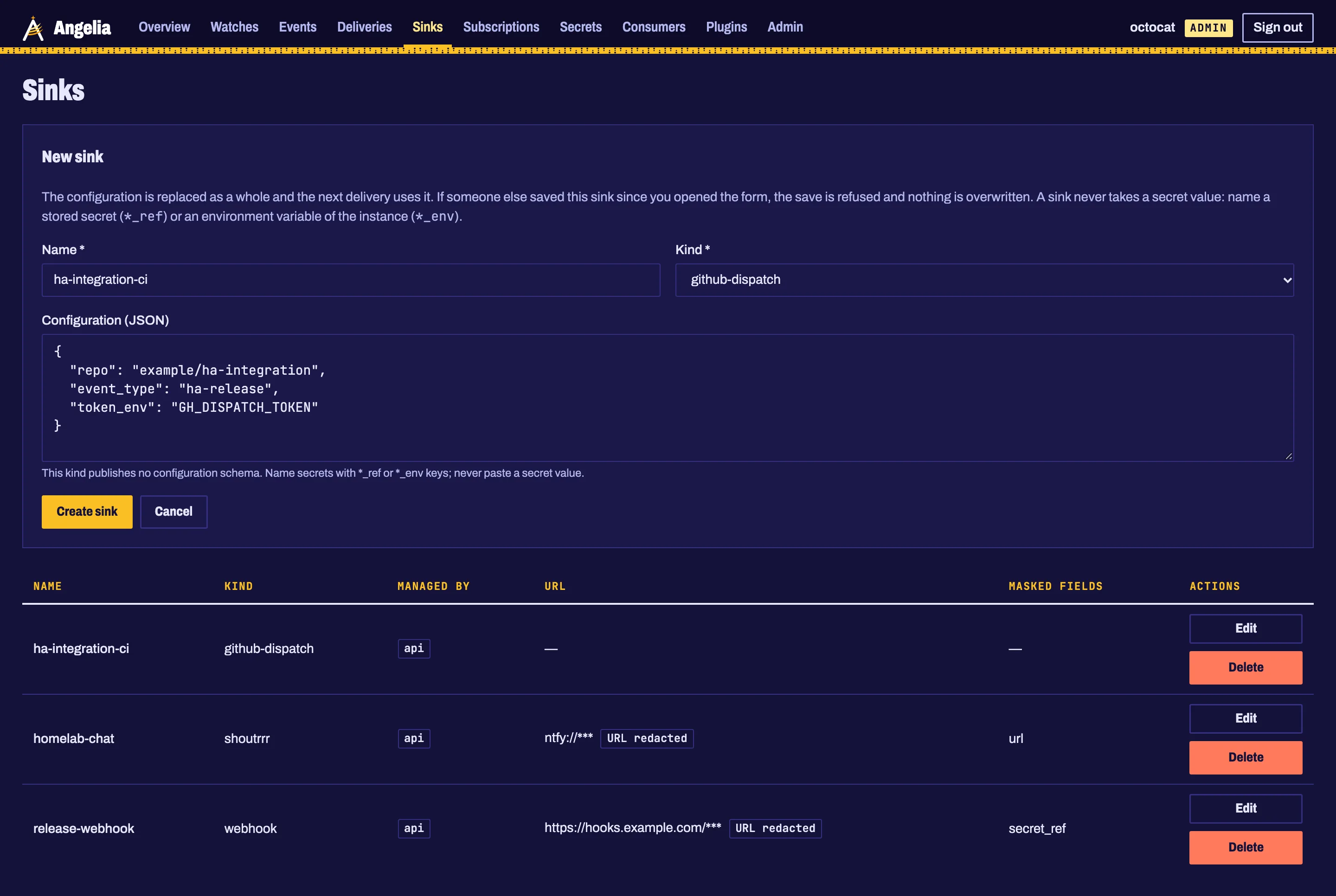
Open Sinks (admins only), choose New sink:
- Name:
ha-integration-ci - Kind:
github-dispatch - Configuration (JSON):
The form takes the name of the variable, never the token. Secret-bearing keys are masked on every page afterwards.
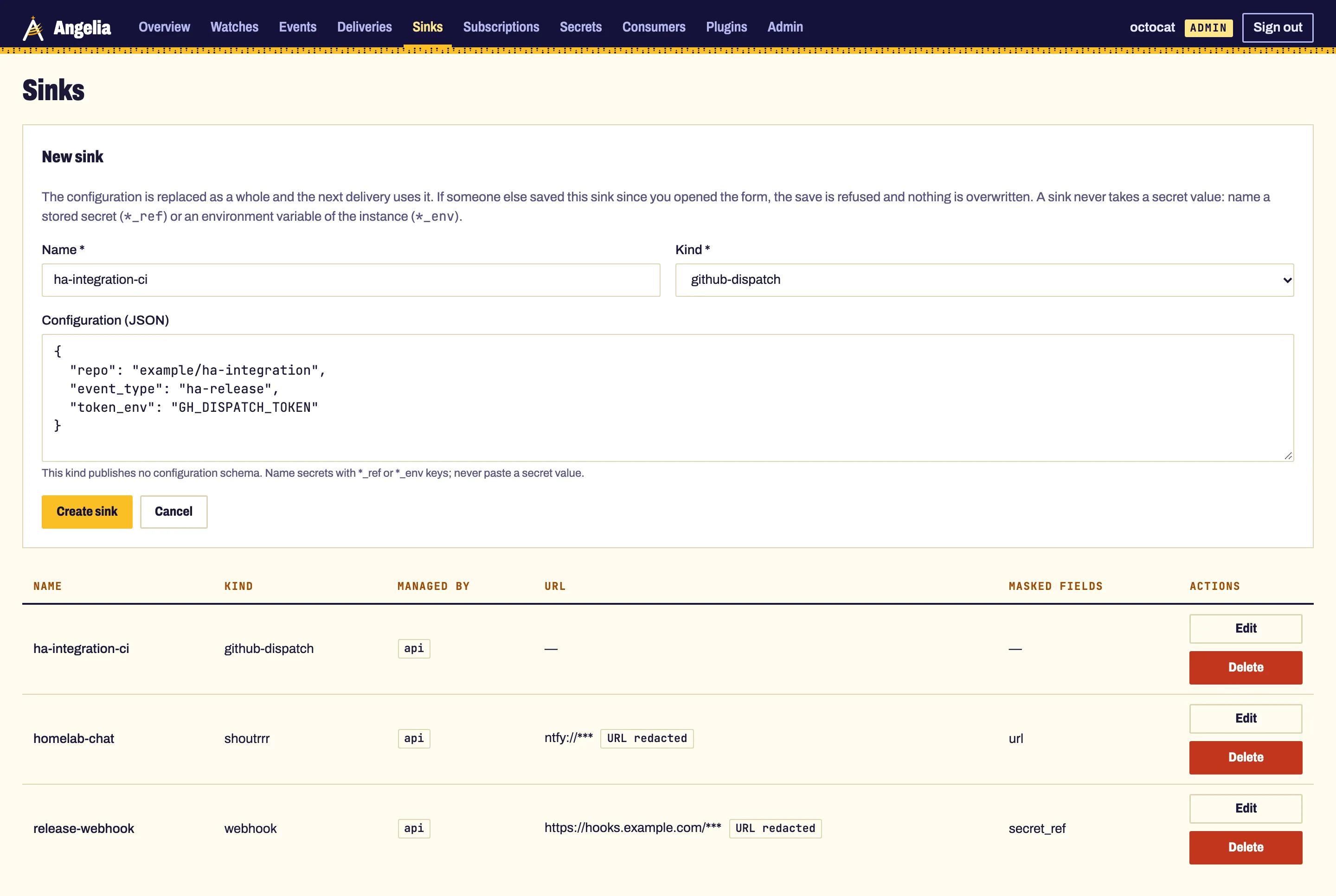
event_type: ha-release lets the repository listen for exactly this event and nothing else. What GitHub
receives is described in GitHub Actions dispatch.
4. Add the subscription
The subscription connects the two: which events of which watches go to which sink.
Open Subscriptions, choose New subscription:
| Field | Value | Why |
|---|---|---|
| Name | ha-to-integration-ci |
|
| Sink | ha-integration-ci |
only API-managed sinks are listed |
| Event types | release.published and release.prerelease |
stable releases and betas |
| Watch label | consumer = ha-integrations |
every watch carrying this label |
| Cooldown | 1h |
Home Assistant publishes the GitHub release a little before the PyPI wheel |
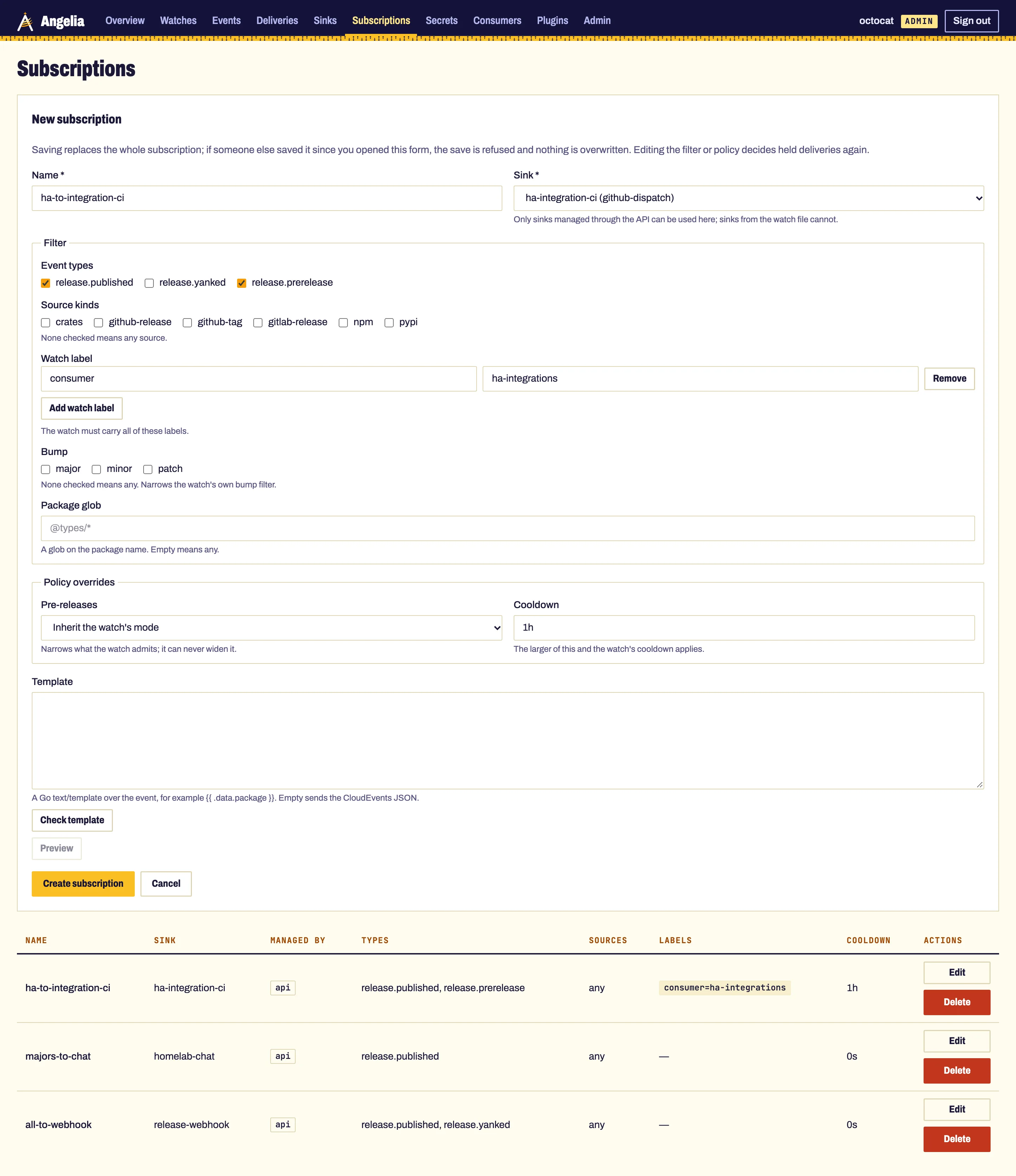
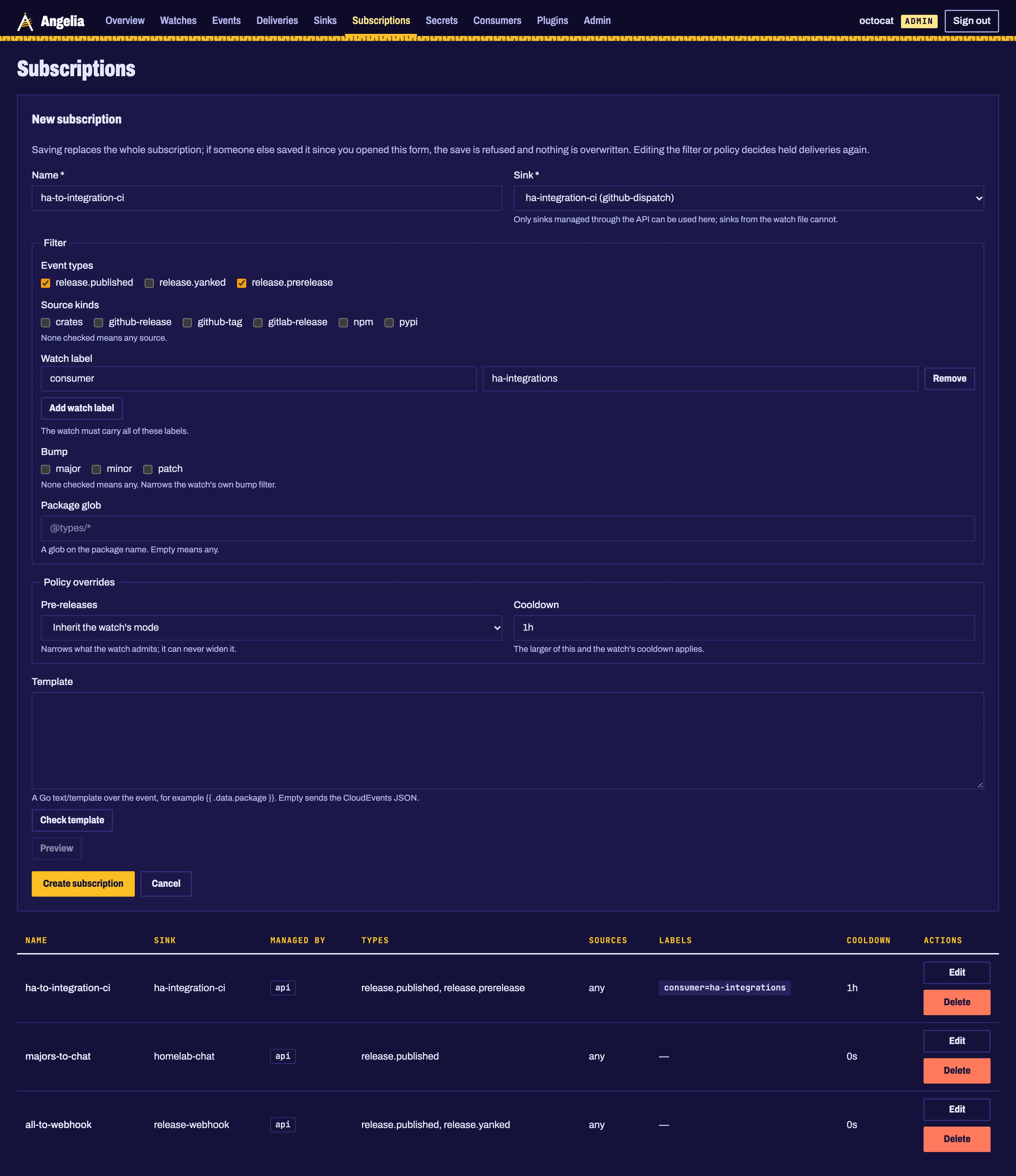
Selecting on a label instead of a watch name means the next integration you watch with
consumer: ha-integrations is covered without touching the subscription.
5. See the release arrive
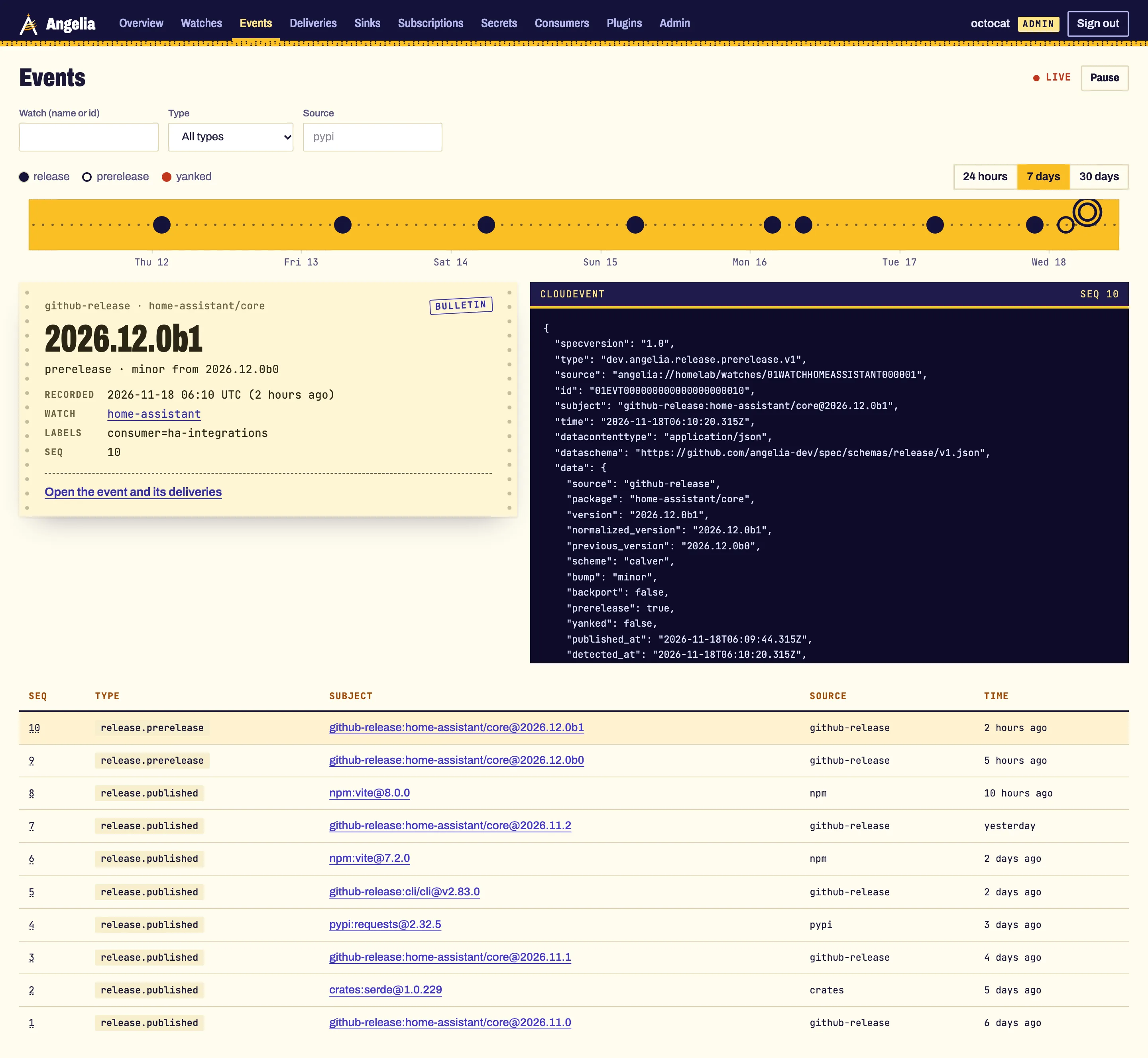
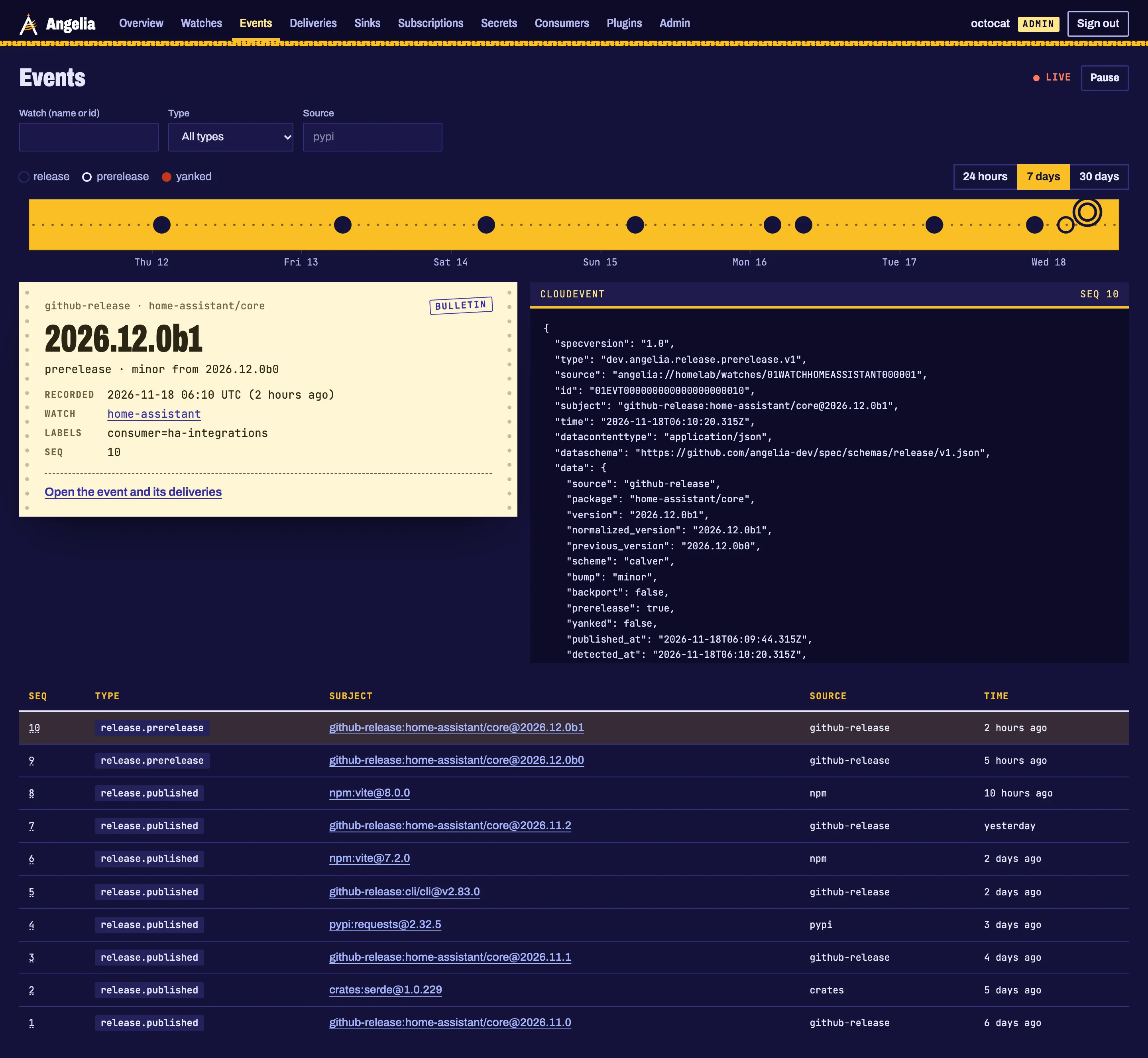
When Home Assistant ships, the watch's cubby on the Overview shows the new version, its bump and the version before it, and a paper slip with the release. On Events a new hole is punched on the tape; select it to read the bulletin and the signed CloudEvent your repository receives.
angelia event list --watch home-assistant      # the same, from a terminal
angelia event stream --watch home-assistant    # and live
6. Check the delivery, replay a dead letter
Deliveries lists every send: delivered, pending, in flight, or dead letter once all retries are
spent. A dead letter shows the last error, here a dispatch token that expired.
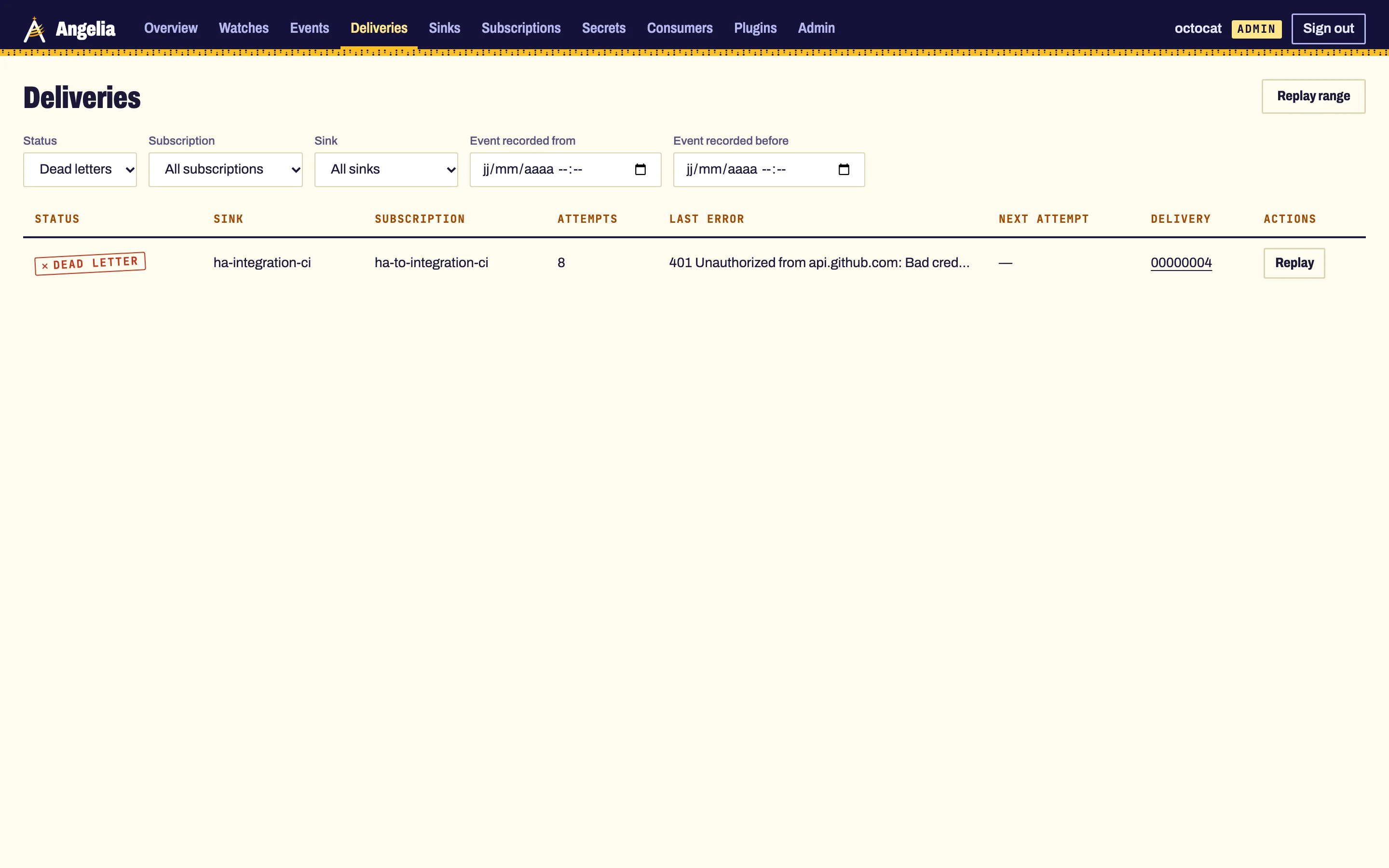
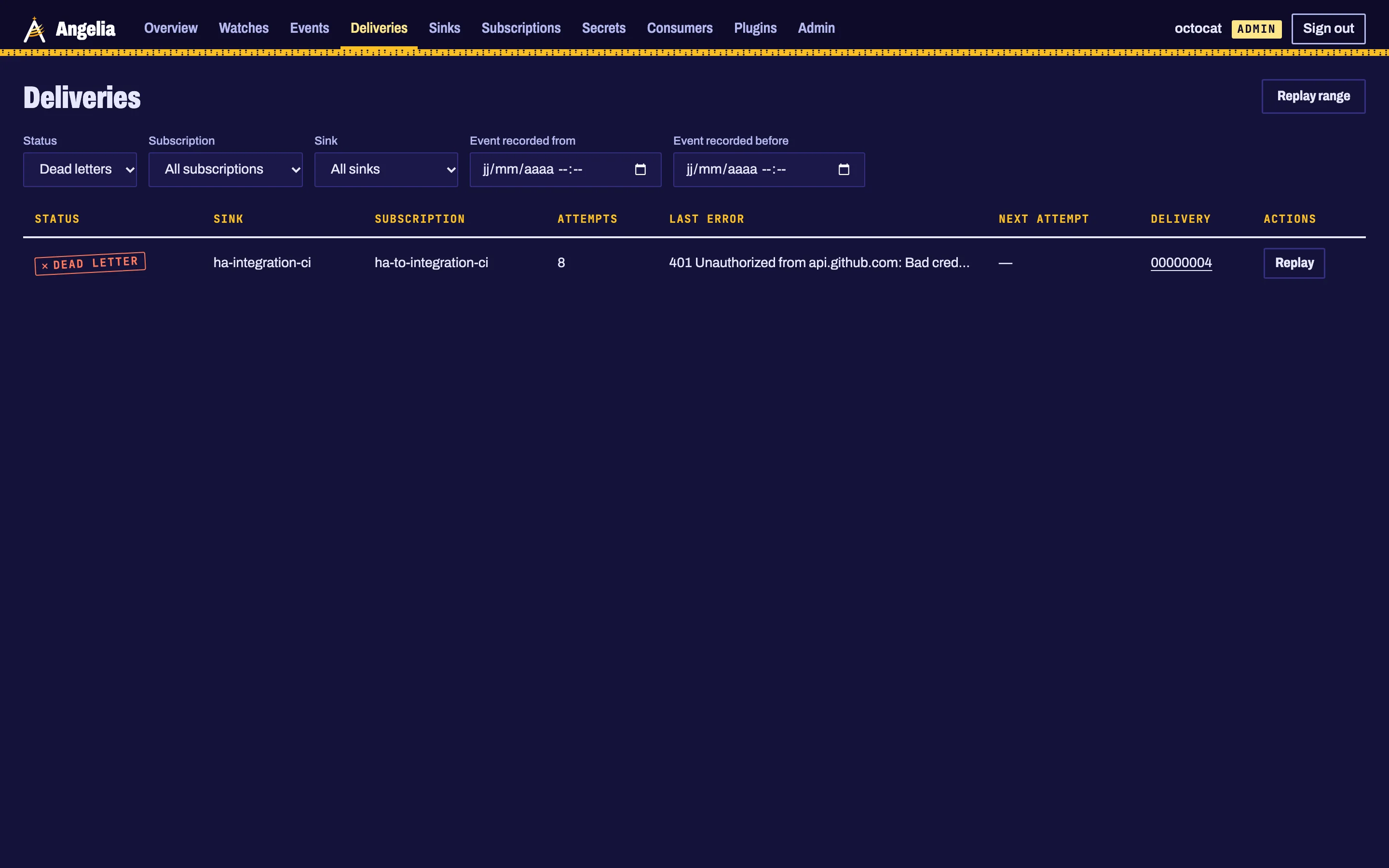
Fix the cause (renew the token, restart), then choose Replay on the delivery. A replay queues the same delivery again, due now: same id, same idempotency key, and a fresh retry budget. A receiver that deduplicates on the idempotency key can tell it already accepted it.
angelia deliveries list --status dead
angelia replay --delivery 01DLV...              # one dead delivery
angelia replay --event 01EVT... --dry-run       # the dead deliveries of one event: see first, then run without --dry-run
7. Receive it in the repository
On the GitHub side, one workflow listens for ha-release, checks the payload and runs the tests against that
exact Home Assistant version. The complete workflow, with the AI review that follows, is the
Home Assistant to an agentic PR recipe.
Where next
- Policies: filter by bump, version range or regex; cooldowns.
- Subscriptions and filters and message templates.
- Chat and push: the same release in Slack, Discord, ntfy or Telegram.
Source: angelia-dev/angelia #284 (admin UI design) and ADR 0033.